Buy $TMZ

How To Buy TradeMaze $TMZ — Directly in Your Wallet

Answers to common questions about TradeMaze $TMZ, its utility, availability, and role within the growing TradeMaze ecosystem.

TMZ78
Step 1 — Set up a Solana-compatible wallet

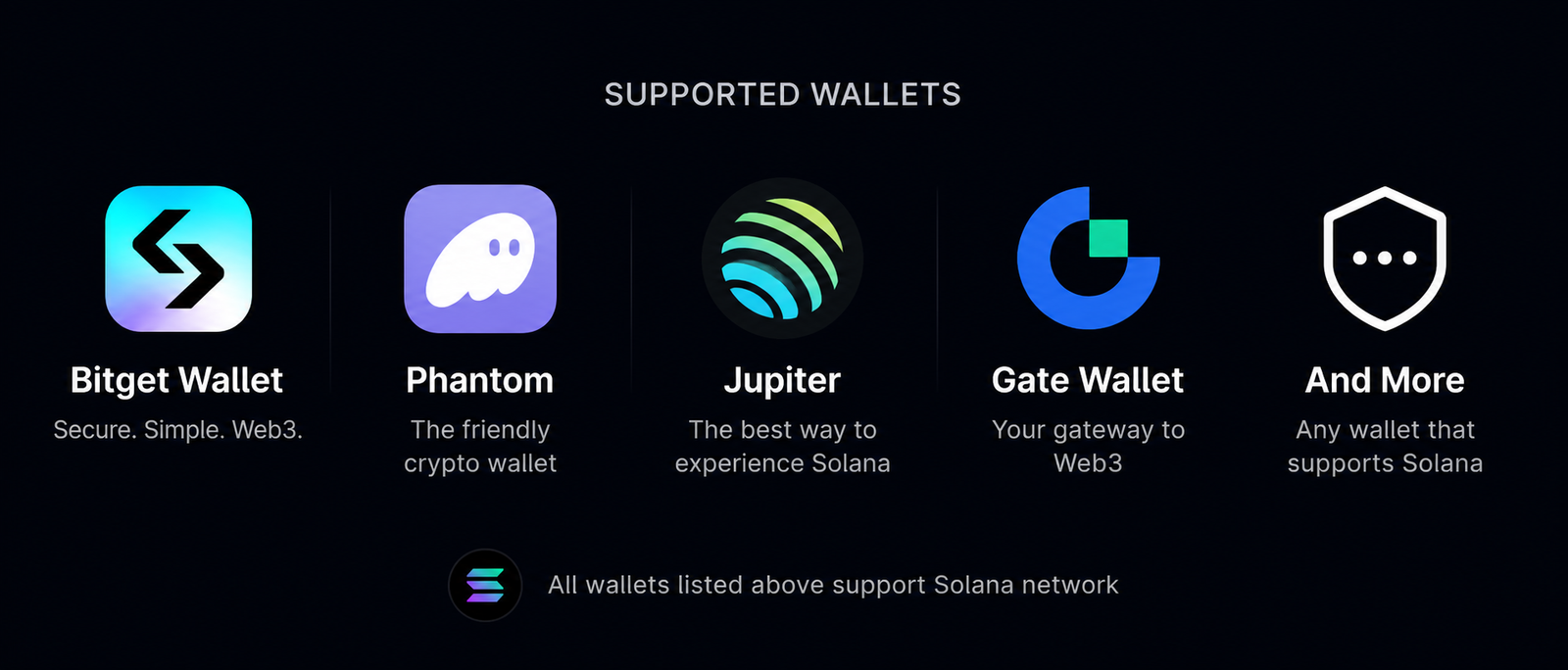
To buy and hold TradeMaze $TMZ, you’ll need a wallet that supports Solana-based tokens. If you don’t already have one, create a compatible wallet and securely store your recovery phrase. You can use wallets such as Bitget Wallet, Phantom, Jupiter, Gate Wallet, or any other wallet that supports the Solana network.


Step 2 — Fund your wallet with SOL

Once your wallet is ready, deposit or purchase SOL in the wallet. SOL is needed both to buy $TMZ and to cover Solana network transaction fees.

Step 3 — Open your wallet’s token swap feature

Many Solana wallets allow you to swap tokens directly inside the wallet interface. Open the swap or trade feature in your wallet and prepare to exchange SOL for TradeMaze $TMZ.

Step 4 — Select SOL and TradeMaze $TMZ

Choose SOL as the token you want to swap from, then select TradeMaze $TMZ as the token you want to receive. Make sure you confirm that you are selecting the official TradeMaze token.


Step 5 — Enter the amount you want to buy

Input the amount of SOL you want to swap for $TMZ. The wallet should display the estimated amount of tokens you’ll receive before you confirm.

Step 6 — Review the transaction details

Carefully review the swap details, including the token selected, the amount you’re spending, the estimated amount of $TMZ you’ll receive, and any applicable network fees.

Step 7 — Confirm the swap in your wallet

Once everything looks correct, approve and confirm the transaction inside your wallet. After the transaction is processed on the Solana network, your TradeMaze $TMZ should appear in your wallet balance.

Step 8 — Store your tokens securely

After buying, keep your wallet secure and never share your private key or recovery phrase. Your wallet is your access to your $TMZ holdings.